
COLLECTION 3
‘Timeless Warmth’ Interior Photography Presets
Timeless Warmth is a carefully curated collection of presets designed to enhance interior and architectural photography with rich warmth, balanced tones, and refined contrast. From light and airy neutrals to deep, moody edits, this set offers versatile options to complement various lighting conditions and design styles.


Our Interior Specific Presets are simple to use and instantly enhance your stunning work without you having to be a photographer.
COLLECTION 3
‘Timeless Warmth’
Like our first two collections, our latest preset pack is crafted specifically for interior photography. Collection 3, Timeless Warmth, is designed to work seamlessly alongside the others, offering a thoughtfully curated selection of presets to enhance interior and architectural images with inviting warmth, balanced tones, and refined contrast. Whether you’re after soft, airy neutrals or rich, moody edits, this collection provides versatile options to suit a variety of lighting conditions and design aesthetics. Enjoy!
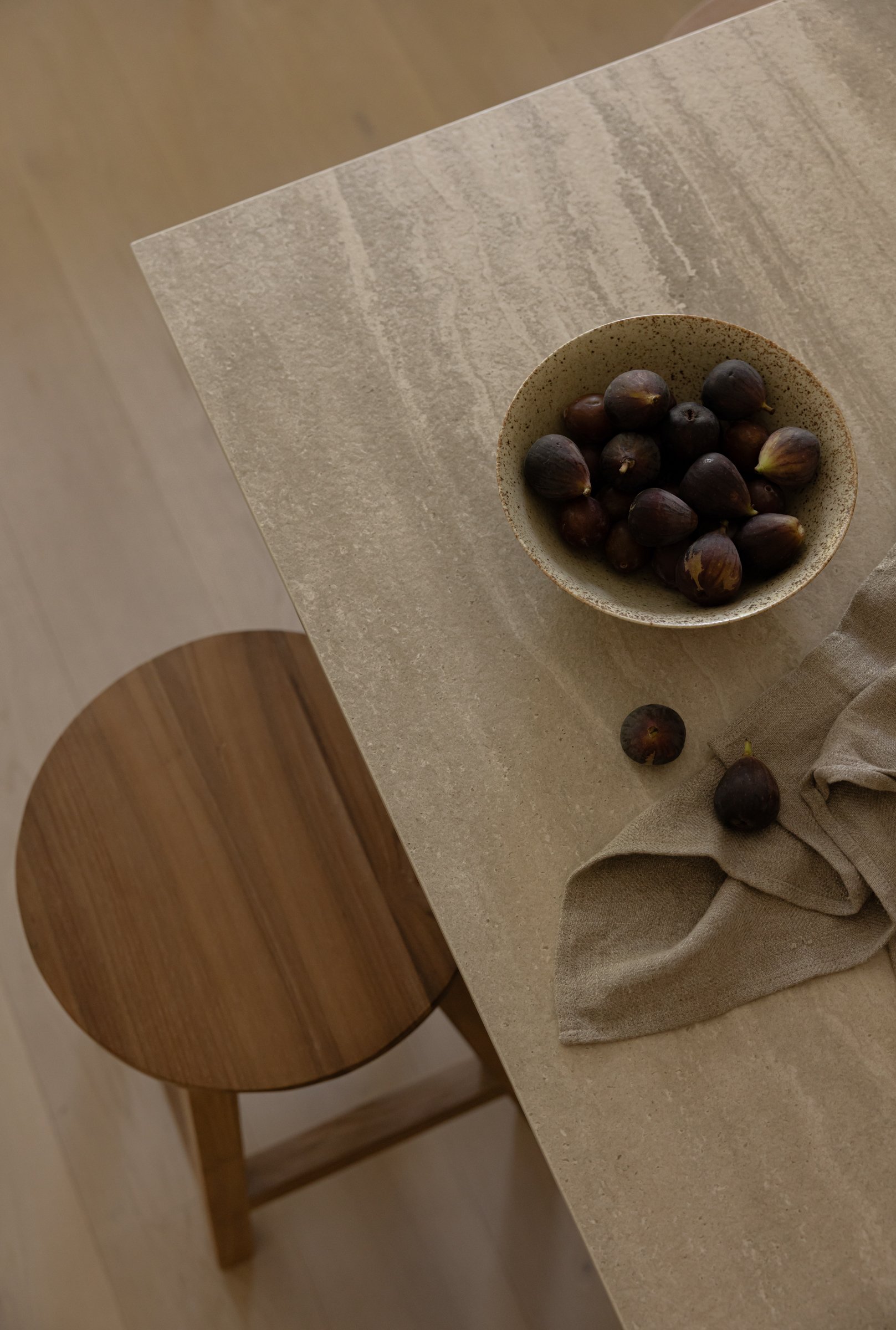
‘Timeless Warmth’ Presets for
MOBILE
$69
-
These presets are mobile friendly! Designed specifically for use on the free Adobe Lightroom Mobile App (you don’t need a subscription) on both Android and iPhone.
-
Mobile Installation Guide
9 Presets in DNG format:
01. Honeycomb02. Editorial Crisp
03. Ivory
04. Timeless Exteriors
05. Classic White
06. Golden Hour
07. Espresso Mood
08. Walnut
09. Neutral

‘Timeless Warmth’ Presets for
DESKTOP + MOBILE
$159
-
A Bundle Pack perfect for consistent editing on your Desktop and when you’re on the go with the Adobe Lightroom Mobile App. These desktop presets are designed to cut your editing time down.
Desktop - These presets are designed to be used in Adobe Lightroom Classic CC, and must be installed on a computer.
Mobile - These presets are designed to be used in the Adobe Lightroom Mobile App, and must be installed on your mobile device.
-
Mobile Installation Guide + Editing Tips
9 Mobile Presets:
01. Honeycomb02. Editorial Crisp
03. Ivory
04. Timeless Exteriors
05. Classic White
06. Golden Hour
07. Espresso Mood
08. Walnut
09. Neutral
Desktop Installation Guide + Tips
Desktop Editing Video
9 Desktop Presets:
01. Honeycomb02. Editorial Crisp
03. Ivory
04. Timeless Exteriors
05. Classic White
06. Golden Hour
07. Espresso Mood
08. Walnut
09. Neutral

‘Timeless Warmth’ Presets for
DESKTOP
$109
-
These desktop presets are designed to cut your editing time down.
Desktop - These presets are designed to be used in Adobe Lightroom Classic CC, and must be installed on a computer. Designed to be used with DSLR photos and work best on raw files.
-
Desktop Installation Guide + Tips
Desktop Editing Video
9 Desktop Presets:
01. Honeycomb02. Editorial Crisp
03. Ivory
04. Timeless Exteriors
05. Classic White
06. Golden Hour
07. Espresso Mood
08. Walnut
09. Neutral
Please note: To prevent downloading issues, download the file in Safari or Chrome. All sales are final. No returns on digital products.
STILL NOT SURE
See for yourself?


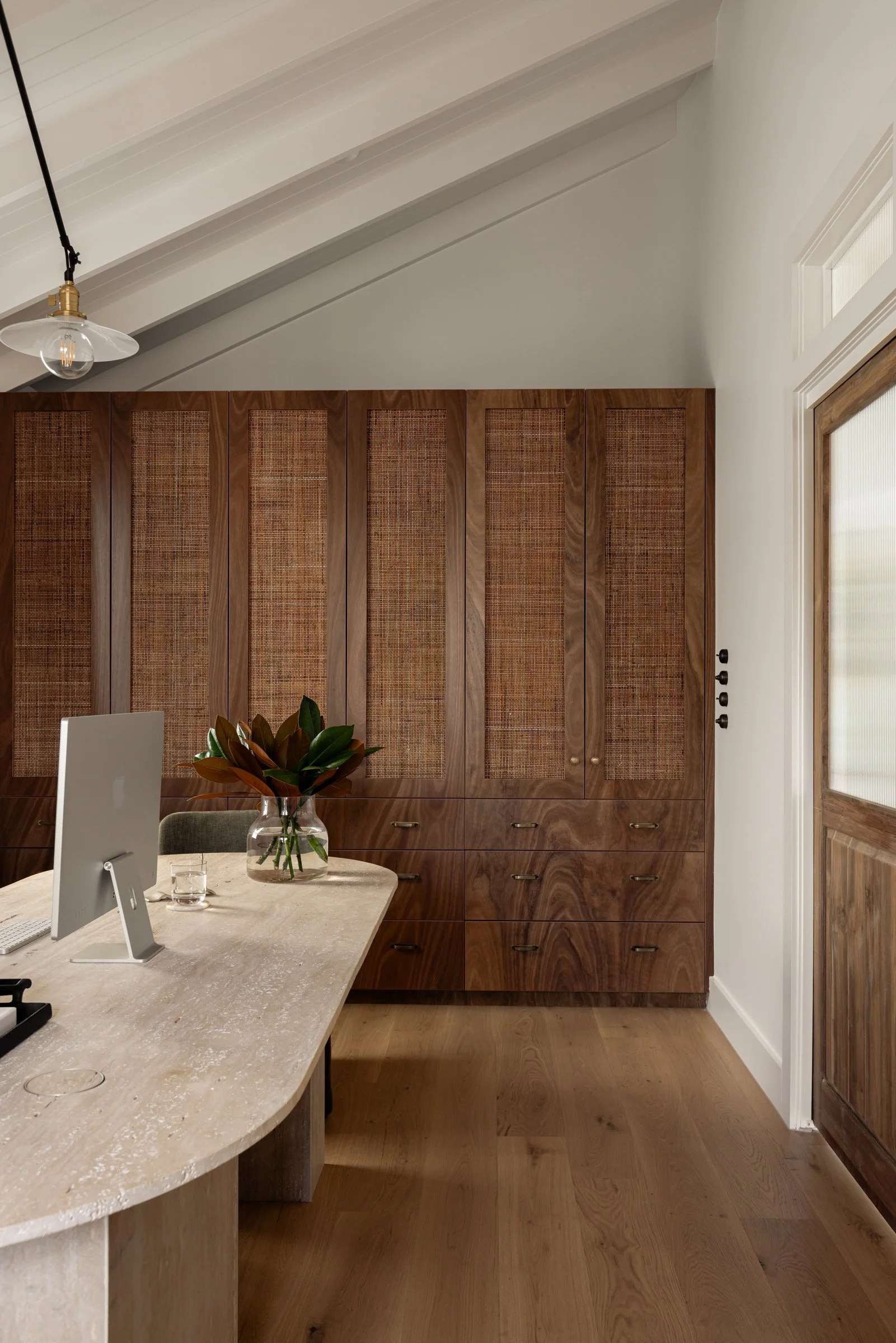
A collection of images edited using our Collection 3 ‘Timeless Warmth’ presets. Use these to edit your images in just a matter of seconds, or use them as a starting point to get you in the right direction for establish your own editing style.

What happens once I have purchased the Presets?
Ensure you have entered the correct email address in the ‘checkout’ field, as this is where we will email you your download link.
Once you have completed your purchase, you will see a button to ‘Download’ your files. You will also receive an email immediately with your purchase information. If you do not see the email, please check your junk folder and all other folders.
When you open the email, you’ll see a link to your download, click and that should take you to the download screen.
Here you will see all your files, including the Presets, the installation guide and video, and the editing guide and video. This will walk you through the install process and how to edit using your presets.
Be sure to hashtag #natspadapresets so we can see all your pretty pictures!
Please Note: If you have any problems with your download, please email hello@natspada.com

Check out our original Collection 1 Presets
FAQ’s
-
For Desktop we recommend using Adobe® Lightroom® Classic as our preference or you can use Adobe® Lightroom® CC and for Mobile we recommend using the Adobe® Lightroom® App
-
ALL SALES ARE FINAL due to the digital nature of this product, unfortunately, there are no refunds or exchanges as there is no guarantee you will never use the file sent through to you.
-
Absolutely! Although we always recommend shooting and processing in RAW for best results with our presets, they can also be applied to jpeg files, they might just need a few tweaks!
-
Each Preset pack comes with its own installation guides. If you still need some extra guidance, YouTube has a lot of useful videos on there to show you exactly what to do!
-
You may not sure your presets. The purchase is for one user only, unauthorised distribution (inclusive of sharing or selling of these presets) will be met with legal action. For this reason, there is a limit to how many times you can download your presets.
